
Create Your Pin
Drag & Drop or Click to Upload
Recommended: 1000 x 1500 pixels (2:3 ratio)
Live Preview
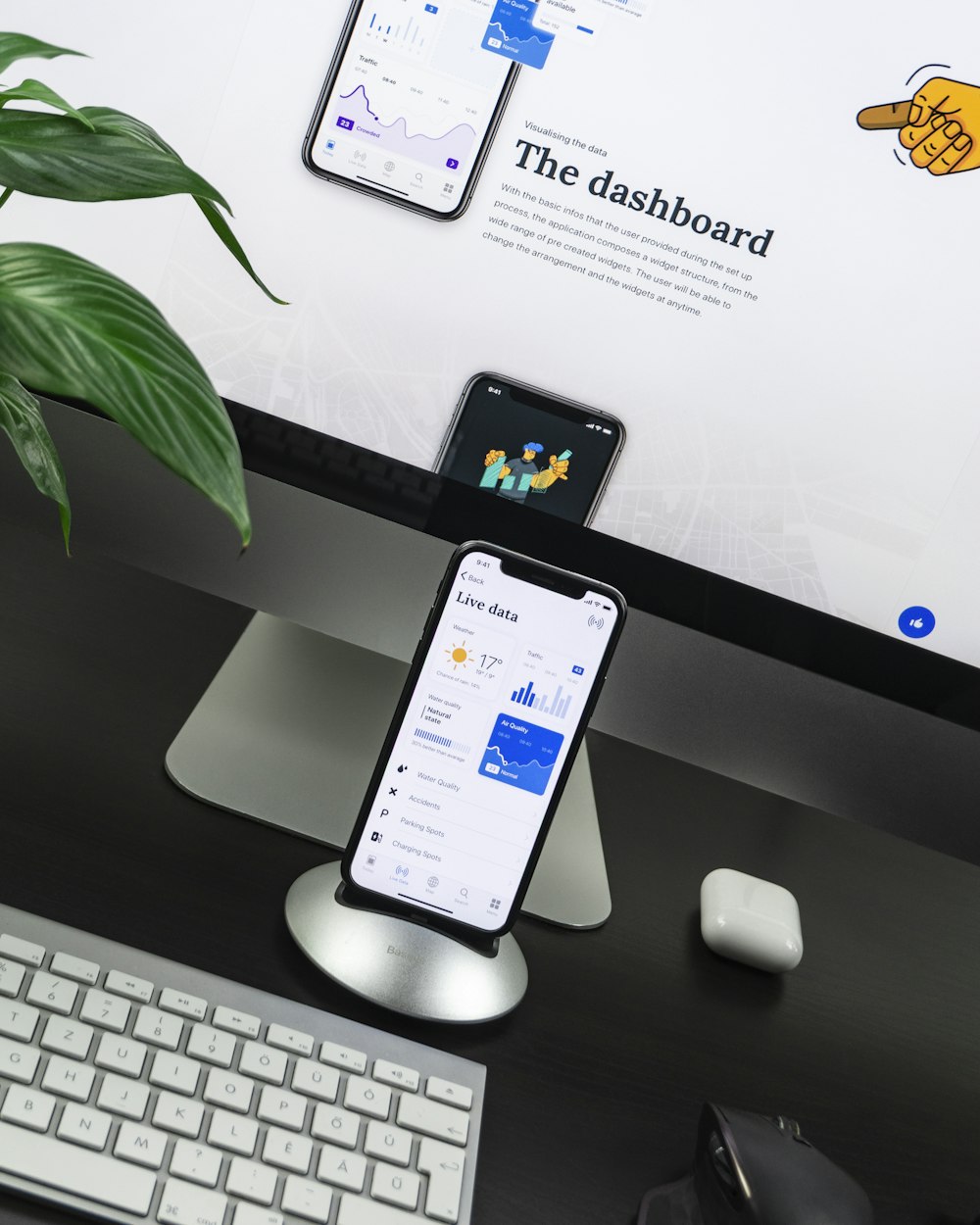
Creative Inspiration
Discover amazing ideas for your next project. This pin showcases creative design concepts that will inspire you to create something beautiful.
Design Professional Pins in Minutes
Our Pinterest Pin Designer is an intuitive web-based studio that transforms anyone into a visual creator. Craft stunning, click-worthy pins without design expertise by combining compelling text, eye-catching images, and strategic links through a streamlined interface. Built for content creators, entrepreneurs, and marketers aiming to boost their Pinterest engagement and drive meaningful traffic.
Simple Three-Step Creation Process
In the fast-paced, visually-driven landscape of digital marketing, the ability to quickly create compelling and effective graphics is not just an advantage—it’s a necessity. For bloggers, small business owners, social media managers, and entrepreneurs, time is a precious commodity. The process of designing engaging visuals, particularly for platforms like Pinterest which thrive on aesthetic appeal and clarity, can often seem daunting. It typically involves juggling multiple software tools, grappling with design principles, and managing technical export settings, all of which can drain time and creative energy. However, what if this complex workflow could be distilled into a streamlined, intuitive, and efficient sequence? Enter a simplified methodology that transforms conceptual ideas into share-ready digital assets in mere minutes. This article delves into a powerful yet straightforward three-step creation process, demonstrating how anyone, regardless of technical or design expertise, can produce professional-looking pins with ease and confidence. #### **Step One: Laying the Foundational Blueprint – Input Your Core Content** Every great visual begins with a solid foundation of content. The first step in this streamlined process is dedicated to establishing this bedrock by inputting three critical elements: your headline, your descriptive text, and your target URL. This stage is about moving from a vague idea to a structured message. Begin with the **headline**. This is the foremost piece of text that will capture a viewer’s scrolling attention. It must be compelling, clear, and actionable. Think of it as the hook—whether it poses a question, promises a solution, or sparks curiosity, its primary job is to make the viewer pause. For instance, instead of a generic “Coffee Recipes,” a more engaging headline would be “5 Iced Coffee Recipes to Beat the Summer Heat.” This specificity immediately communicates value and context. Next, craft the **descriptive text**. While the headline grabs attention, the descriptive text provides context and elaborates on the promise. This is typically a concise sentence or two that expands on the headline, offering a subtle preview of the value awaiting the user upon engagement. It should reinforce the headline’s message and include relevant keywords for discoverability. Using the previous example, the descriptive text could read: “Discover easy, barista-approved methods to make refreshing iced coffee at home in under five minutes. Finally, specify the **target URL**. Ensuring this link is accurate and direct is crucial for driving the desired user action, whether it’s reading an article, making a purchase, or subscribing to a newsletter. This tripartite input—headline, description, and URL—forms the essential informational skeleton of your pin. It defines the purpose, the promise, and the pathway, ensuring your creative efforts are aligned with a strategic marketing goal from the very start. With your content blueprint in place, the process moves from the conceptual to the visual. The second step is where creativity takes center stage: uploading your own visual asset or selecting one from a curated library of professional templates, followed by dynamic customization. You are first presented with a choice that caters to different needs and resource levels. If you have a **custom visual**—be it a high-quality photograph you’ve taken, a branded graphic, or an existing image—you can simply upload it directly. This option is ideal for maintaining brand consistency, showcasing original products, or adding a personal touch that stands out in a crowded feed. Alternatively, if you’re starting from scratch or seeking inspiration, you can browse a **curated collection of templates**. These templates are designed by professionals with platform best practices in mind, featuring balanced layouts, complementary color palettes, and typography that enhances readability. They serve as an excellent starting point, eliminating the blank-canvas anxiety and providing a proven structural framework. The true magic of this step, however, lies in the **live design preview**. As you make adjustments, you are not working in the dark or waiting for a “render” button. Every change is reflected instantaneously on a preview screen that mimics exactly how the pin will appear to your audience. This real-time feedback loop is invaluable. As you customize—changing font styles, adjusting text size and positioning, experimenting with color overlays, or applying filters—you can immediately assess the visual impact. You can see if the headline pops against the background, if the text remains legible, and if the overall composition is balanced and appealing. This interactive environment encourages experimentation without risk, allowing you to fine-tune every detail until the design aligns perfectly with your vision and brand identity. It transforms design from a technical chore into an intuitive and engaging creative session. #### **Step Three: Finalizing and Deploying – Generate, Copy, and Share** The final step is the culmination of your efforts, transforming your customized design into a ready-to-publish asset and placing its shareable link directly into your hands. This phase is characterized by remarkable speed and simplicity, removing the traditional friction points associated with finalizing digital graphics. Once you are satisfied with the live preview—when every element is perfectly placed, every color is on-brand, and the message is crystal clear—you **generate your pin with a single click**. This action triggers the backend system to process your design, compiling all the elements into a single, optimized image file formatted correctly for its intended platform. There is no need to navigate complex export settings, choose between file types like JPG or PNG, or worry about resolution dimensions. The tool handles all these technicalities automatically, ensuring the final product meets the quality and specification standards required for optimal performance and display.
Why You'll Love This Designer
- Produce publication-ready pins faster than using complex software
- See every edit in real-time with an interactive preview pane
- Fluid, responsive design that works perfectly on any device
- Optimize pins to increase saves, clicks, and overall visibility
- Strengthen brand identity with consistently polished visuals
The Impact of Quality Visuals
On a discovery platform like Pinterest, superior design directly influences performance. Our tool eliminates technical barriers, allowing you to maintain a professional, cohesive presence that attracts followers and converts viewers—all while saving valuable time and resources.
Common Questions, Clear Answers
Is there a cost to use the pin designer?
No, the platform is completely free with no account registration required.
Is the platform suitable for first-time users?
Yes, its guided, straightforward workflow is ideal for beginners.
Do I need any design background?
Not at all. The tool provides the framework; you bring the ideas.
Are the generated pin links unique?
Yes, each pin receives a distinct, permanent URL for sharing and tracking.